
How to upgrade home security systems in the Dominican Republic
Introduction
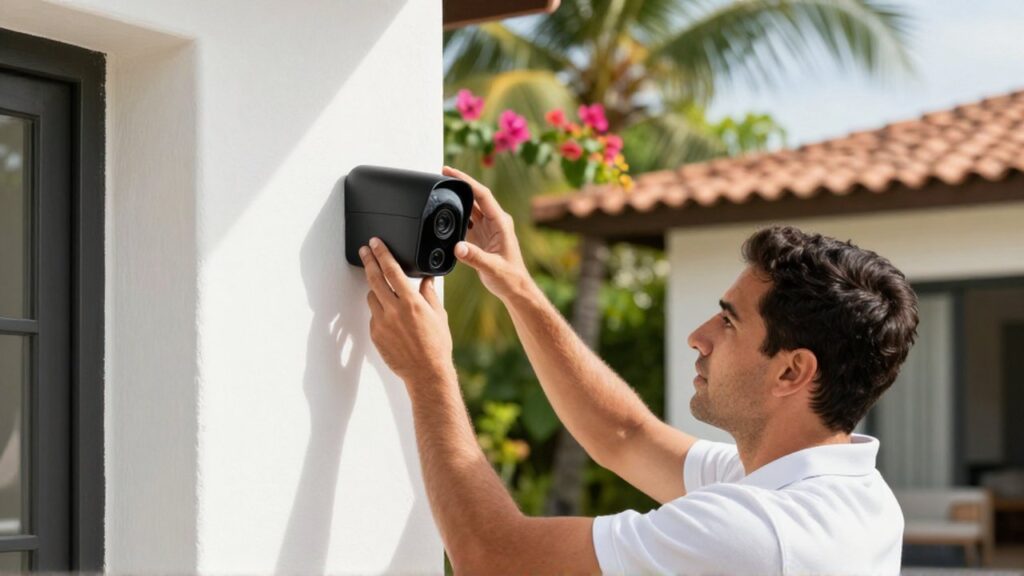
Upgrading your home security system in the Dominican Republic is a proactive step toward protecting your family, your property, and your peace of mind. As technology evolves and residential areas change, older security setups—such as simple locks or basic perimeter fences—may no longer provide sufficient protection against modern risks. An effective upgrade involves integrating smarter, more resilient tools that offer real-time monitoring and immediate notification capabilities.
Deciding to enhance your security is most appropriate when you move into a new property, experience changes in your neighborhood, or realize your current technology is outdated. A modern system serves as a deterrent to intruders and provides valuable data and visual evidence in the event of an incident. By focusing on a layered approach, you can create a comprehensive shield that covers everything from the perimeter of your yard to the interior of your living spaces.
Assessing current security vulnerabilities
Before purchasing new equipment, it is essential to conduct a thorough audit of your existing setup. Identifying weaknesses is the first step in building a logical upgrade path. Walk around your property during both day and night to observe blind spots where lighting is poor or where vegetation might provide cover for unauthorized entry.
Check the condition of your physical barriers, such as gates, walls, and doors. In the Dominican Republic, salt air in coastal areas can cause rapid corrosion of metal components, compromising the structural integrity of fences and locks. Evaluate your current electronic systems: Are your cameras providing clear footage in the dark? Do your sensors trigger reliably? Knowing exactly where your current system fails allows you to allocate your budget toward the most critical areas, such as entry points or high-value storage rooms.
Choosing between wired and wireless technologies
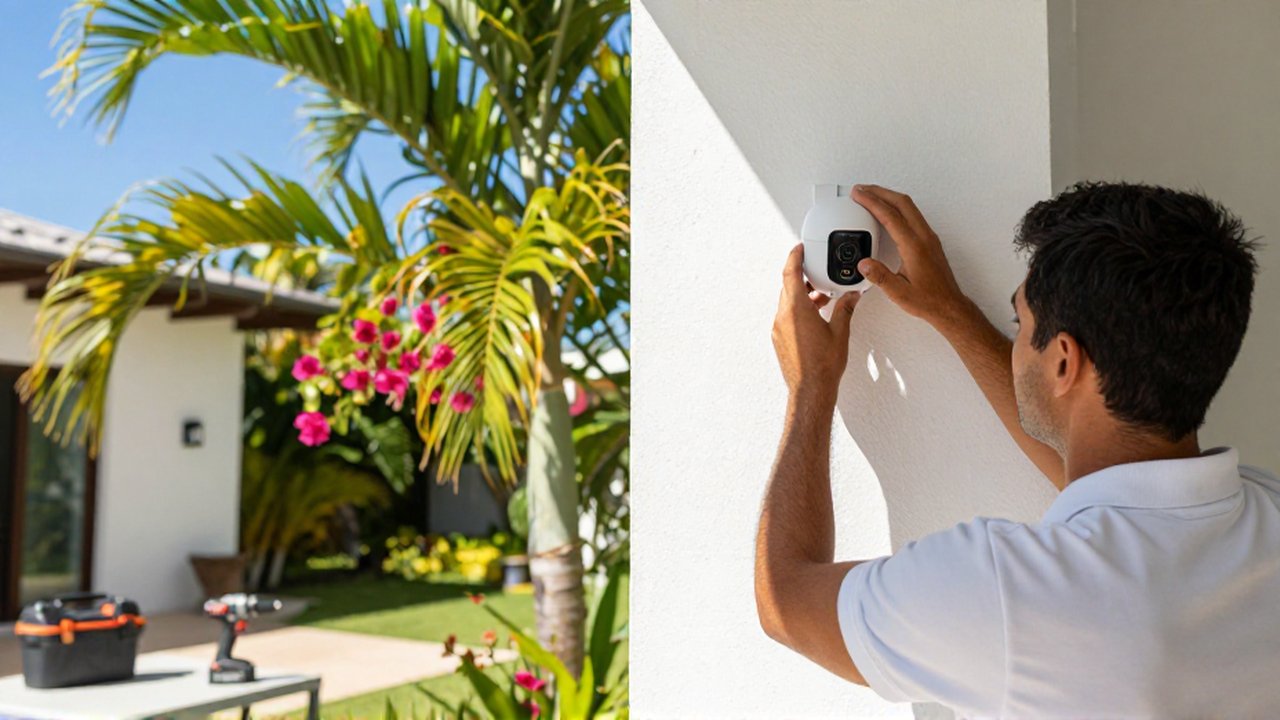
One of the most significant decisions in a security upgrade is determining whether to implement a wired or wireless ecosystem. Both options have specific advantages depending on your home's architecture and your technical comfort level.
Wired Security Systems Wired systems are generally more stable and less susceptible to signal interference. Because they rely on physical cables, they do not suffer from battery depletion issues or Wi-Fi connectivity drops. They are ideal for new constructions or major renovations where wires can be easily integrated into the walls. However, they are more difficult and expensive to install in existing homes.
Wireless Security Systems Wireless technology offers immense flexibility and ease of installation. Most modern wireless components connect via Wi-Fi or specialized radio frequencies, making them perfect for renters or homeowners who want to avoid drilling through walls. While they are highly convenient, they require a strong, stable internet connection and regular battery maintenance. In areas prone to power fluctuations, ensuring your wireless hub has a reliable backup power source is vital.
Implementing a layered defense strategy
A robust security upgrade should not rely on a single device. Instead, aim for a layered approach that creates multiple obstacles for any potential intruder.
- Perimeter Security: Start with the outermost layer. This includes motion-activated lighting, reinforced perimeter walls, and electric fencing if appropriate for your zone. Smart gate openers can also allow you to monitor who enters your property.
- Surveillance Systems: High-definition cameras should be placed at all entry points and along the perimeter. Look for models with infrared night vision and weatherproofing to withstand the tropical climate.
- Access Control: Upgrade traditional keys to smart locks or biometric scanners. These provide a digital log of who enters your home and allow you to grant temporary access to service providers remotely.
- Interior Detection: Once the perimeter is breached, internal sensors—such as glass-break detectors, motion sensors, and door/window contact sensors—act as the final line of defense.
Managing power and connectivity reliability
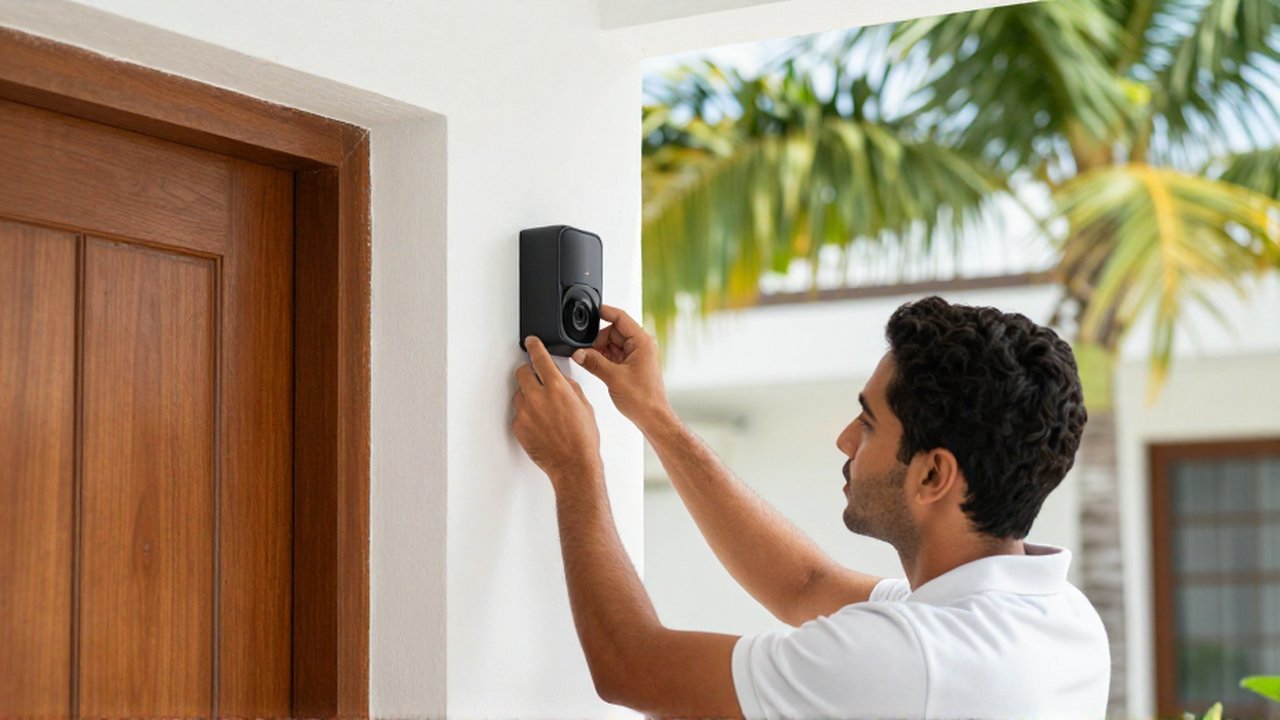
In the Dominican Republic, environmental factors like humidity and occasional power instability can affect electronic security hardware. To ensure your upgrade remains functional when you need it most, consider the following technical requirements:
| Feature | Importance | Recommendation |
|---|---|---|
| Battery Backup | High | Ensure all hubs and essential cameras have internal battery reserves. |
| Uninterruptible Power Supply (UPS) | High | Use a UPS for your main router and security central station to prevent offline periods during outages. |
| Weatherproofing (IP Rating) | Medium/High | Choose outdoor hardware with high Ingress Protection (IP) ratings to resist heavy rain and humidity. |
| Cloud vs. Local Storage | Medium | Use a combination of local SD cards and cloud storage to ensure footage is saved even if the hardware is damaged. |
Common mistakes to avoid during upgrades
A frequent error is over-relying on technology while neglecting physical security. A high-tech camera is useful, but it cannot replace a sturdy, well-maintained door or a high-quality deadbolt. Always reinforce the physical barrier before adding the digital sensor.
Another mistake is neglecting the "smart" aspect of the system by failing to secure the network itself. If your security system is connected to your home Wi-Fi, you must ensure your router uses strong encryption and complex passwords. A poorly secured network can allow hackers to access your camera feeds or disable your sensors entirely. Finally, avoid installing cameras in a way that creates too many "false positives," such as pointing them directly at a busy street or a tree moving in the wind, which can lead to notification fatigue.
Frequently asked questions
Can I integrate new smart devices into my old security system? It depends on the compatibility of the protocols used. While some older systems can be expanded with specific add-on modules, many modern smart upgrades work best when they are part of a unified, modern ecosystem that supports centralized control via an app.
How does tropical humidity affect security hardware? Humidity can cause internal corrosion and lens fogging. When upgrading, always prioritize devices with high IP (Ingress Protection) ratings, specifically designed for outdoor or high-moisture environments.
Do I need professional installation for a security upgrade? While many wireless systems are designed for DIY installation, professional installation is recommended for wired systems, complex camera placements, or integrated alarm systems that require monitoring services.
How much storage do I need for security footage? This depends on how many cameras you have and the resolution of the video. Higher resolution footage requires more storage space. Using a combination of local storage and cloud backup is generally the most reliable method.
Leave a Reply